Developer Tool, Productivity
Version Tracker
Track and update software packages and applications on macOS from a single dashboard.
Watch Version Tracker demo
About Version Tracker
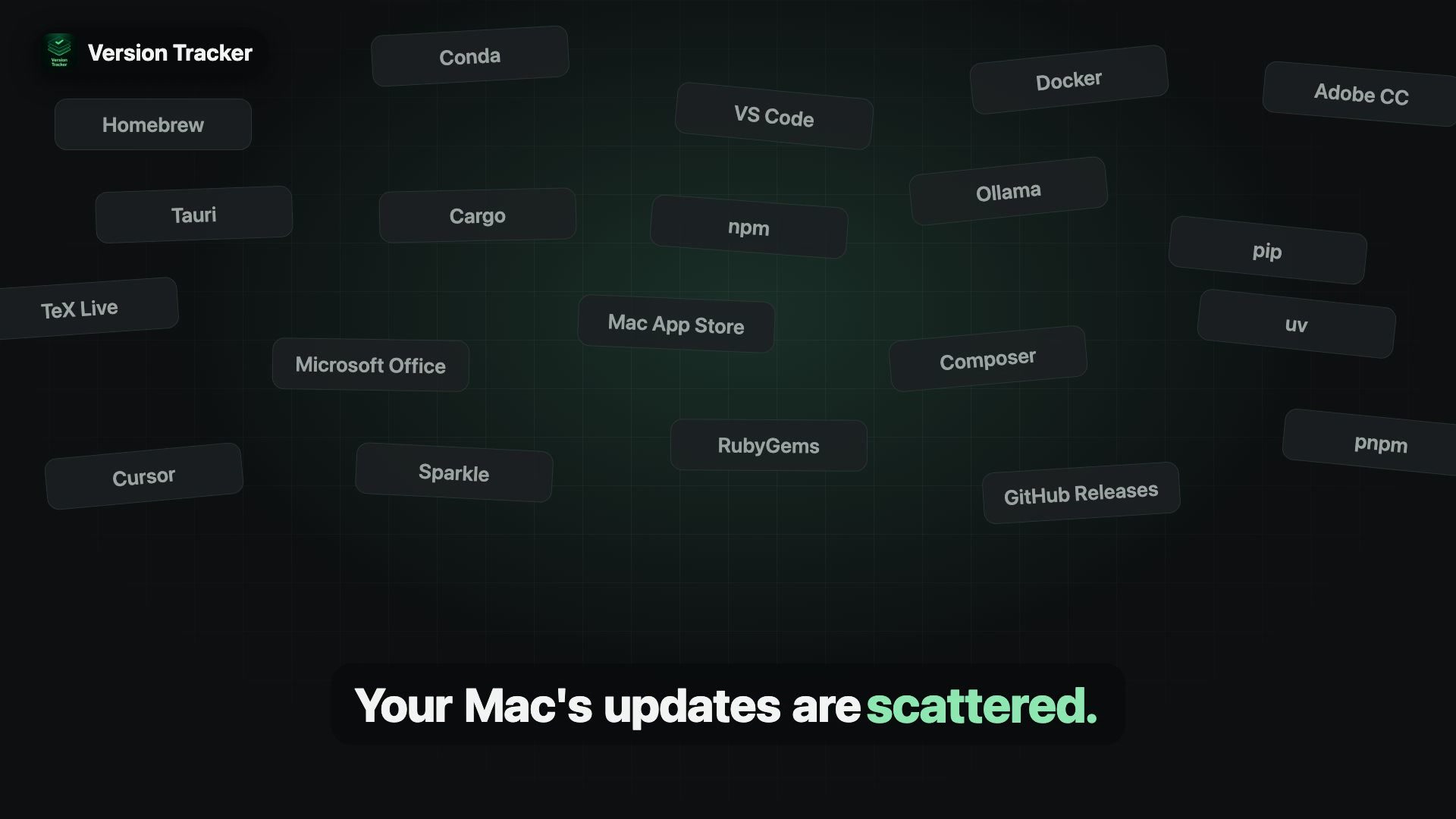
Version Tracker scans macOS systems to aggregate installed applications, developer packages, and runtime tools across dozens of update sources. It brings system applications, package managers, and dependencies into a central dashboard where users can check version status, review security advisories, and apply updates.
Who is Version Tracker for?
Mac power users and software developers who previously checked for updates manually across terminal commands, individual app updaters, and background package managers. It serves developers running complex stacks who need full visibility into installed applications, CLI binaries, and language runtimes without checking each tool individually.
How does Version Tracker work?
Launch a system scan to discover outdated applications, language runtimes, and global packages across active sources. Review security advisory flags and package versions on the central dashboard. Select individual items or trigger bulk updates to run updates with live progress logs.