AI, Productivity, Education
Phrase
Meeting and class notes you can check against the recording, on iPhone, iPad, Mac and Apple Watch
Watch Phrase demo
About Phrase
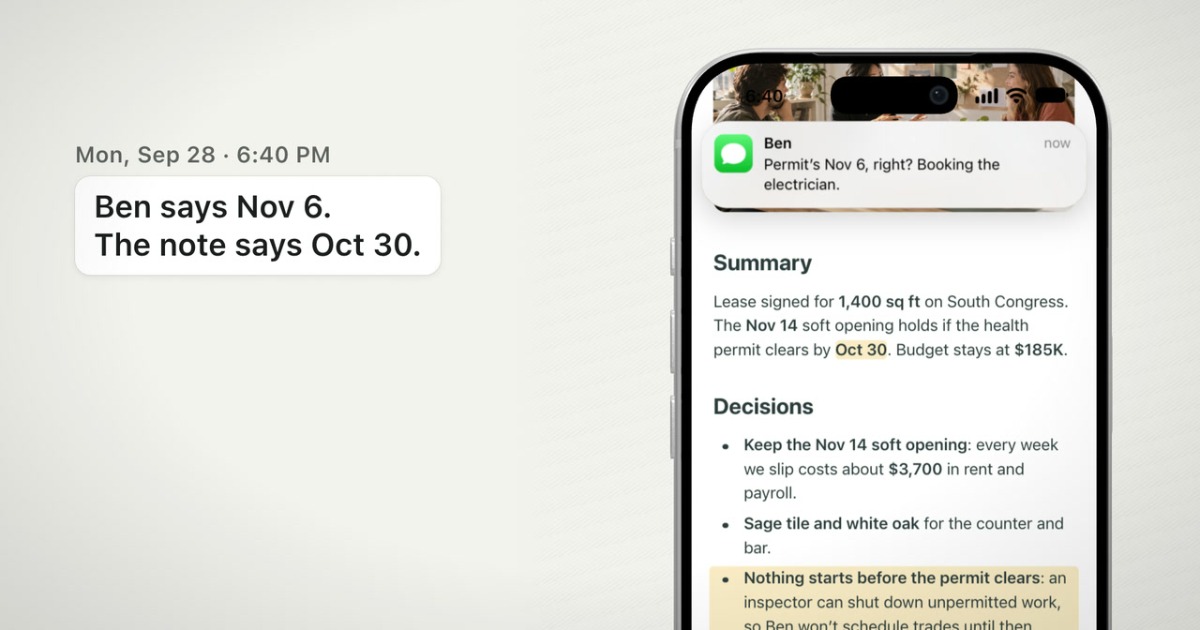
An AI note taker for meetings and lectures on iPhone, iPad, Mac and Apple Watch. When you stop recording, Phrase writes the note in a block editor: a short summary, the decisions and the to-dos with who does what and by when. A lecture's equations come out as LaTeX formulas and a process becomes a Mermaid diagram. The recording and a transcript that shows who spoke stay with the note, so you can play any line and check it against what was said. There is no bot to invite and no account to set up, it transcribes 100+ languages, and your notes stay on your devices and in your own iCloud.
Who is Phrase for?
Students recording a lecture, consultants and project managers in client meetings, researchers running interviews, and anyone in an in-person meeting or class who wants notes they can check. Before Phrase they typed notes while trying to listen, or scrubbed through a long recording to find one decision.
How does Phrase work?
1. Press record in the app, from Control Center, the Lock Screen or Siri, or on Apple Watch. 2. Stop, and Phrase writes the note: a summary, the decisions, to-dos with owners and due dates, LaTeX for equations and Mermaid for processes. 3. Edit any block, ask Phrase in chat for changes with Undo on each edit, and tap any transcript line to hear that moment.