Productivity, Developer Tool
PDF Dark Mode
Dark mode for every PDF you read.
About PDF Dark Mode
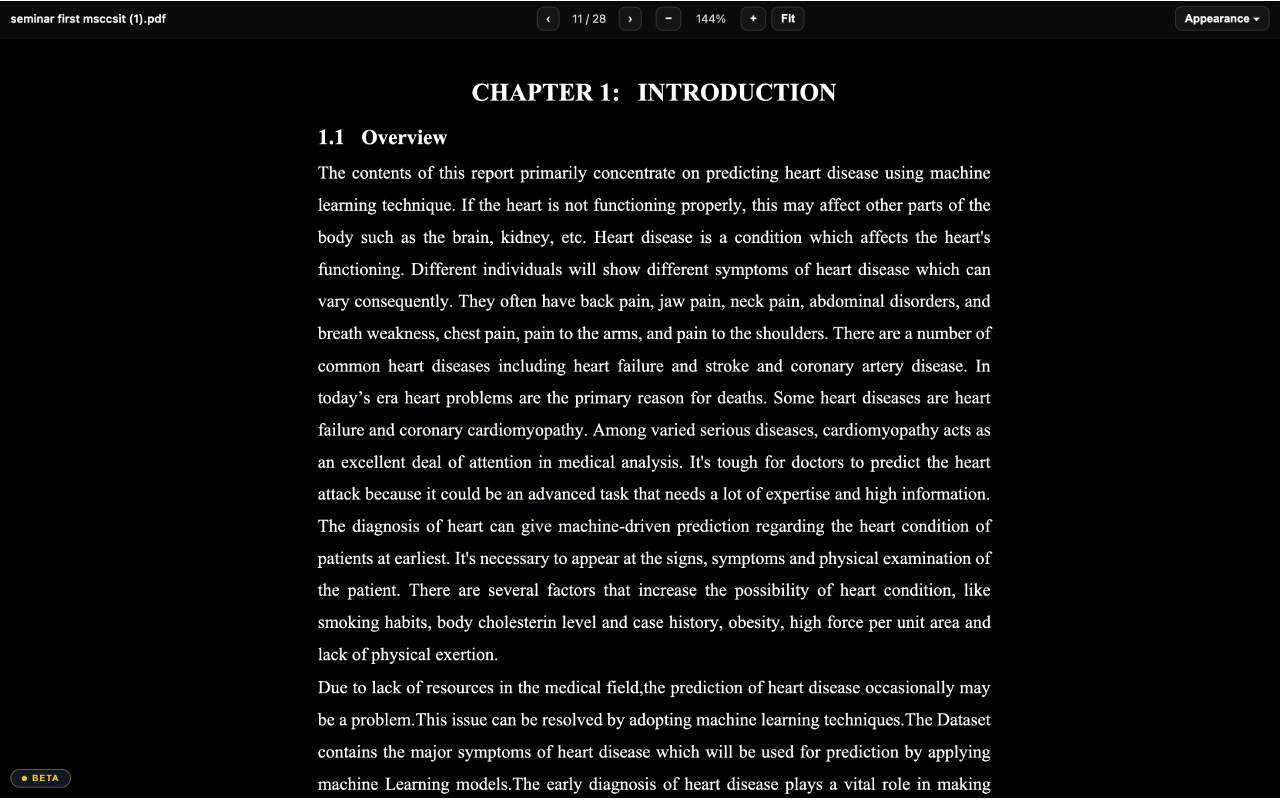
Transforms bright PDF documents into customizable dark mode layouts across web browsers and local file storage. Readers can adjust darkness and contrast sliders to reduce eye strain, switch between Sepia and AMOLED themes, and set granular per-site rules that automatically apply color overlays to online research papers, manuals, and eBooks.
Who is PDF Dark Mode for?
Students, researchers, developers, and night readers who spend hours reading technical papers, textbooks, and online documentation. Before using this tool, readers had to endure blinding white backgrounds on backlit screens or use clunky extensions that distorted diagrams and rendered figures unreadable.
How does PDF Dark Mode work?
Install the extension in your browser and open any web or offline PDF file. Toggle the overlay instantly using a quick keyboard shortcut or toolbar button, then fine-tune darkness and contrast sliders to comfortable levels. Set optional per-site rules so your preferences apply automatically whenever you return to specific domains.