Developer Tool, Productivity
Macsmith
Your developer tools, together in one native Mac app.Your favorite CLIs. One native Mac GUI.
About Macsmith
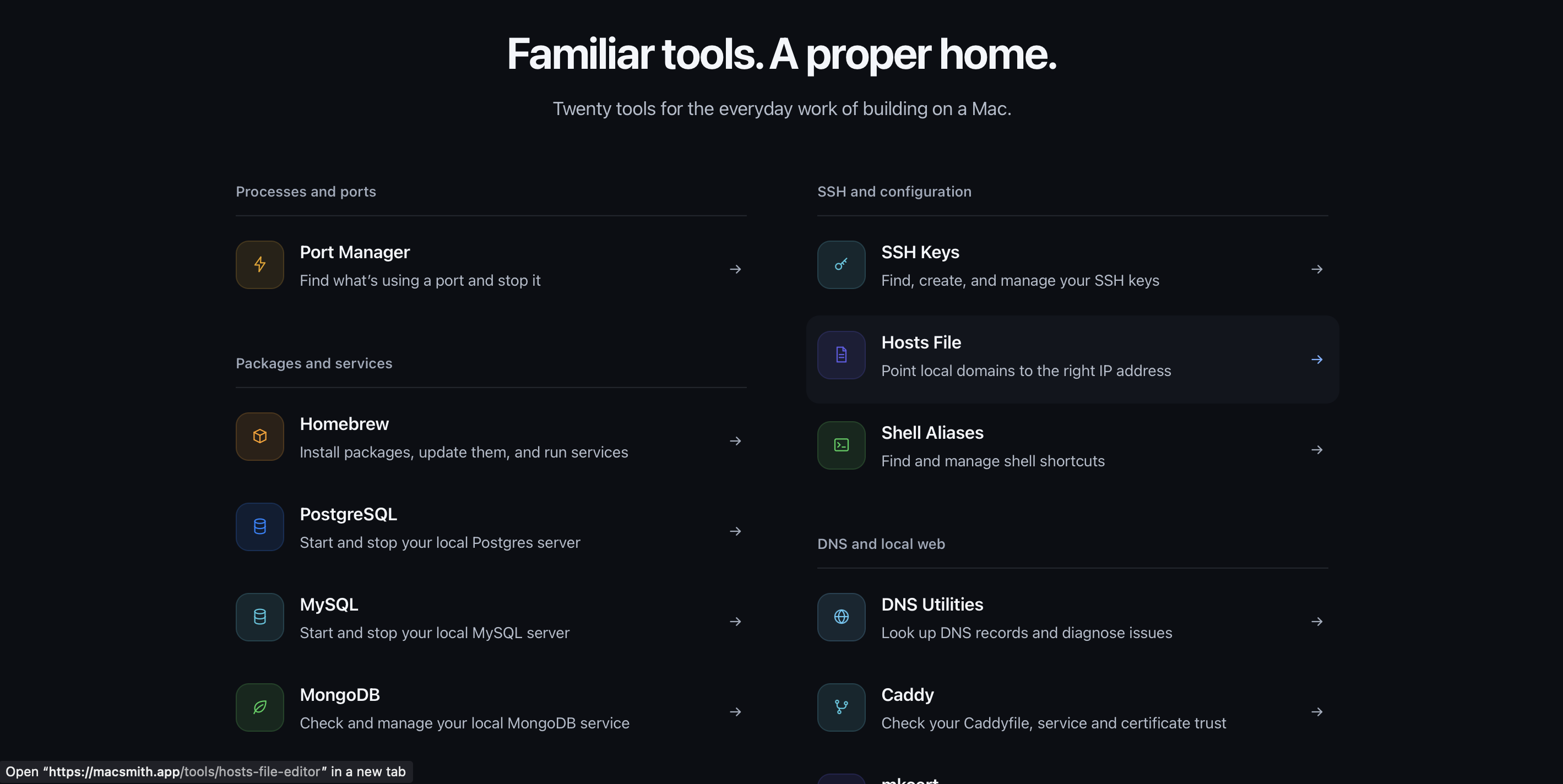
Macsmith unifies local development tools into a single native macOS dashboard built with Swift and SwiftUI. It allows developers to find and stop processes hogging network ports, control background services like PostgreSQL, MySQL, and MongoDB, manage Homebrew packages, inspect Node.js runtimes, manage Linux VMs, edit SSH keys and hosts files, and clear developer caches to reclaim storage space.
Who is Macsmith for?
macOS developers who rely on terminal commands and CLI scripts to manage local services, network ports, and runtime environments. Before Macsmith, engineers had to remember disparate command-line syntax or keep dozens of terminal tabs open just to check database statuses, kill stuck port processes, or inspect active local virtual machines.
How does Macsmith work?
Download and drag the native application into your Applications folder. Launch the app to access system tools for port inspection, runtime management, and local database controls. Click directly on any service or process to inspect configuration settings, stop port activity, toggle local web tunnels, or clear build caches.