Mobile App, Productivity
DroidPass: Password Manager
Autofill logins, passkeys, and 2FA codes in an offline, encrypted vault
Watch DroidPass: Password Manager demo
About DroidPass: Password Manager
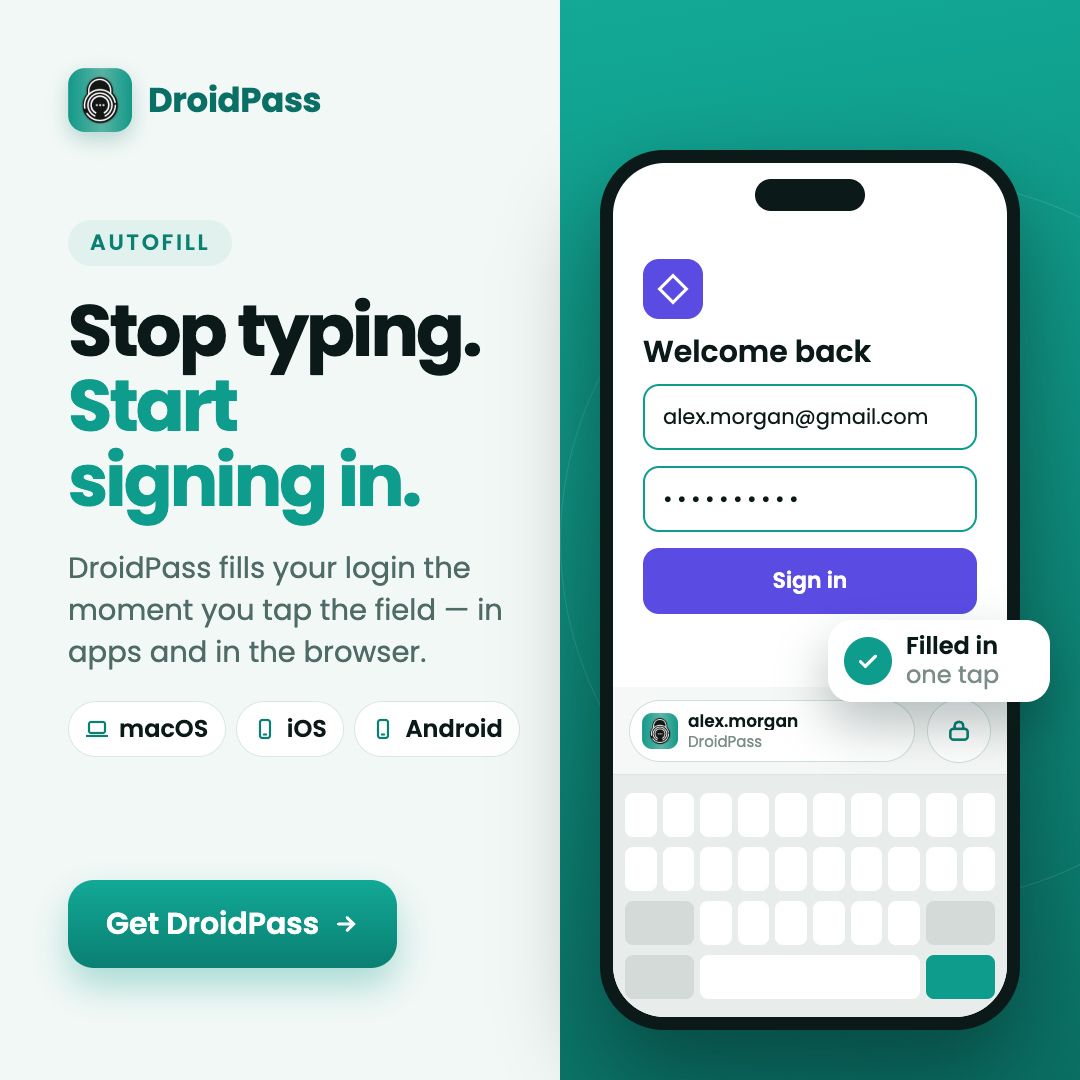
Manages logins, passkeys, two-factor authentication codes, payment cards, and secure notes inside an AES-256 encrypted vault. It fills sign-in credentials directly into mobile apps and web browsers, works without an active internet connection, and synchronizes data across devices when online. Built-in tools include a strong password generator, a password security audit, and biometric unlock using face or fingerprint.
Who is DroidPass: Password Manager for?
Android device owners tired of juggling separate authenticator apps, forgotten passwords, and manual sign-in forms across multiple screens. Before using this vault, they relied on weak repeated passwords, unencrypted notes, or disconnected browser extensions that made switching devices or logging into apps tedious and insecure.
How does DroidPass: Password Manager work?
First, import existing credentials from your previous setup or scan QR codes to save 2FA keys into the local vault. Next, secure the app using your fingerprint, face scan, or a Master PIN. Finally, tap any login field in a mobile app or web page and select DroidPass from your keyboard to autofill your credentials instantly.