AI, Education
ScanChess
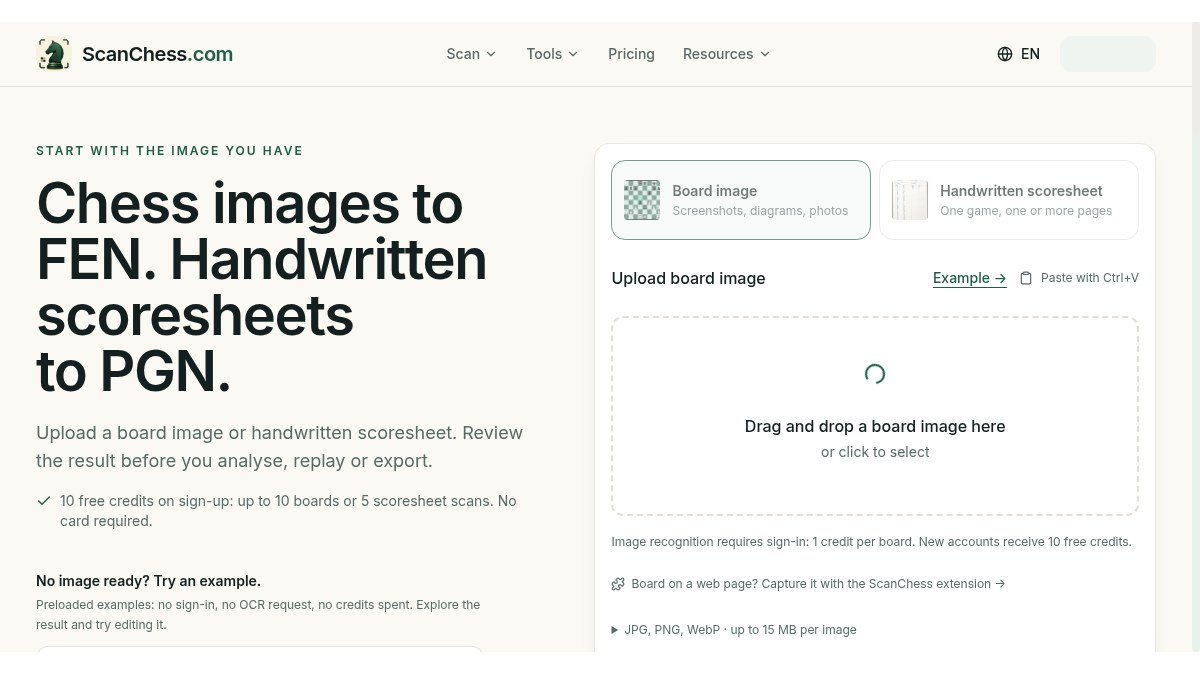
Chess images to FEN. Handwritten scoresheets to PGN.
About ScanChess
Chess OCR for board images and handwritten scoresheets: turn a photo into a position to analyze or a game to replay, check the result, then play on. Upload a clear board screenshot, 2D diagram or top-down photo to get editable FEN; or upload the pages of one game in order to review moves and export PGN. Image recognition requires sign-in: 1 credit per board; new accounts get 10 free credits (no card).
Who is ScanChess for?
Over-the-board chess players, coaches and school clubs who want to analyze a position from a book, screen or board photo, or digitize handwritten tournament scoresheets instead of typing moves by hand.
How does ScanChess work?
1) Upload a board image or the scoresheet pages of one game in order. 2) Check and correct the recognized FEN or moves. 3) Analyze, replay or export PGN. Browser PGN/FEN viewers need no account.