AI, SaaS, Productivity
Reglyph
Translate scanned PDFs without breaking the layout
Watch Reglyph demo
About Reglyph
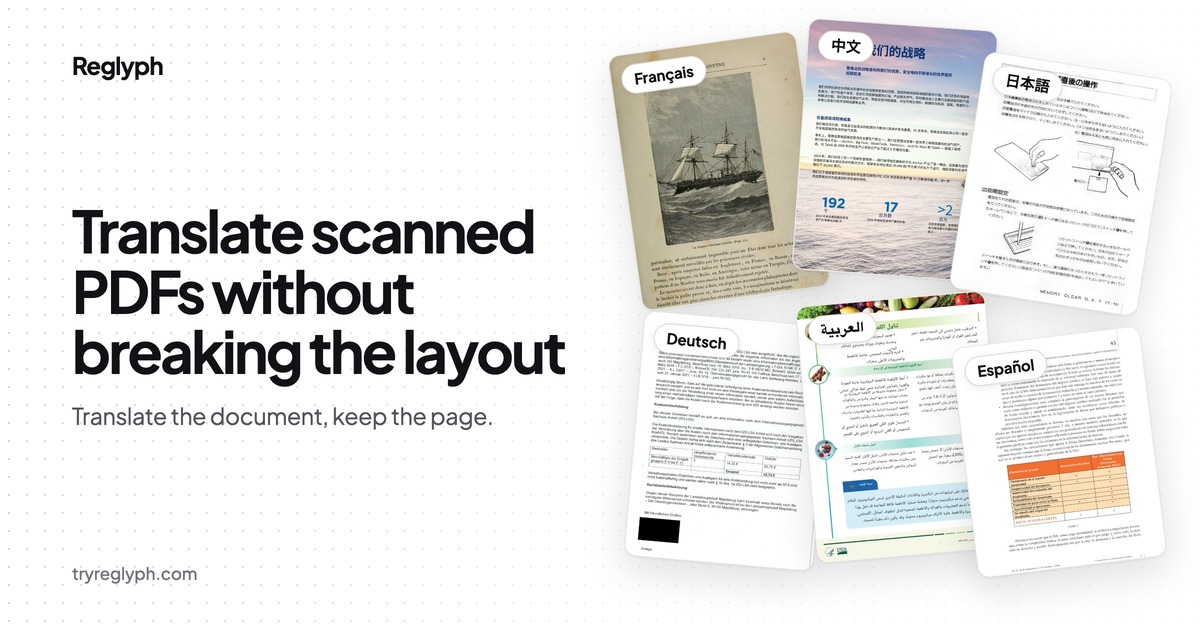
Most translators wreck the formatting of a scanned document. Reglyph doesn't. Upload a scanned PDF (a phone photo saved as PDF works too) and Reglyph reads it with OCR, erases the original text, translates it and rebuilds the page: multi-column text, tables, figures, seals and signature lines stay in place. Built for certificates, transcripts, contracts, manuals and academic papers in 19 languages. New accounts get 5 free pages, and the translated PDF downloads with no watermark. No credit card needed.
Who is Reglyph for?
People moving or studying abroad who need to read certificates, transcripts and diplomas; businesses translating contracts, invoices and reports; researchers reading foreign-language papers; engineers working through manuals and datasheets. Before Reglyph, they pasted OCR text into a translator and rebuilt the layout by hand. It's machine translation, so for official submissions have a certified translator review the result.
How does Reglyph work?
Upload a scanned PDF and choose your target language. Reglyph reads the page with OCR, erases the original text from the image, translates the recognized text, and sets the translation back into the original positions. You get a clean translated PDF that mirrors the source document, ready to read, share or print. A bilingual side-by-side PDF (original left, translation right) is also available.