AI, Design
Mac Harmonim
Play a virtual harmonium using your MacBook lid as physical bellows
Watch Mac Harmonim demo
About Mac Harmonim
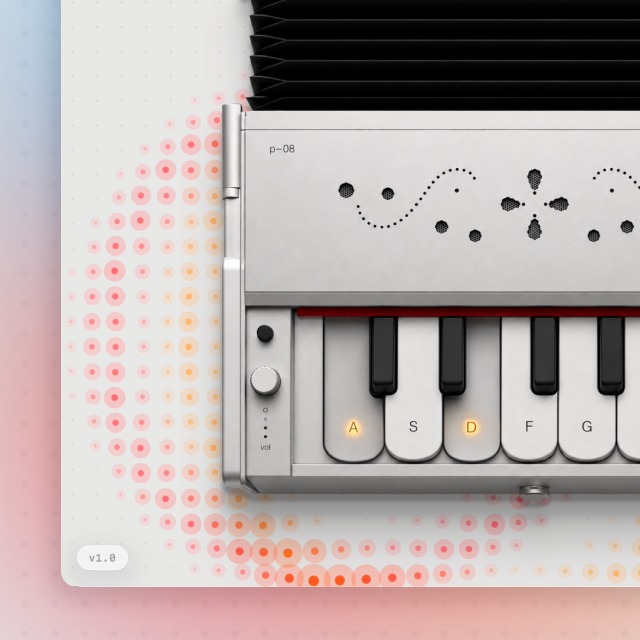
Play a web-based harmonium using your MacBook screen as the physical bellows. By accessing the MacBook lid angle sensor through browser APIs, tilting your laptop screen back and forth pumps air to generate sound while keys on screen trigger notes along the sargam scale. All sensor data remains strictly inside your browser.
Who is Mac Harmonim for?
MacBook owners, musicians, and web developers interested in physical hardware interactions in the browser. Previously, playing virtual harmoniums required static key clicks or manual mouse dragging, which lacked the physical feedback of pumping real bellows.
How does Mac Harmonim work?
Grant permission to connect your MacBook lid angle sensor through the WebHID browser prompt. Tilt your laptop screen back and forth to pump air like physical bellows. Select individual keys to play notes along the sargam scale.