Mobile App, Developer Tool
Haptics Explorer
Feel iOS haptic patterns on a real iPhone, copy the code
About Haptics Explorer
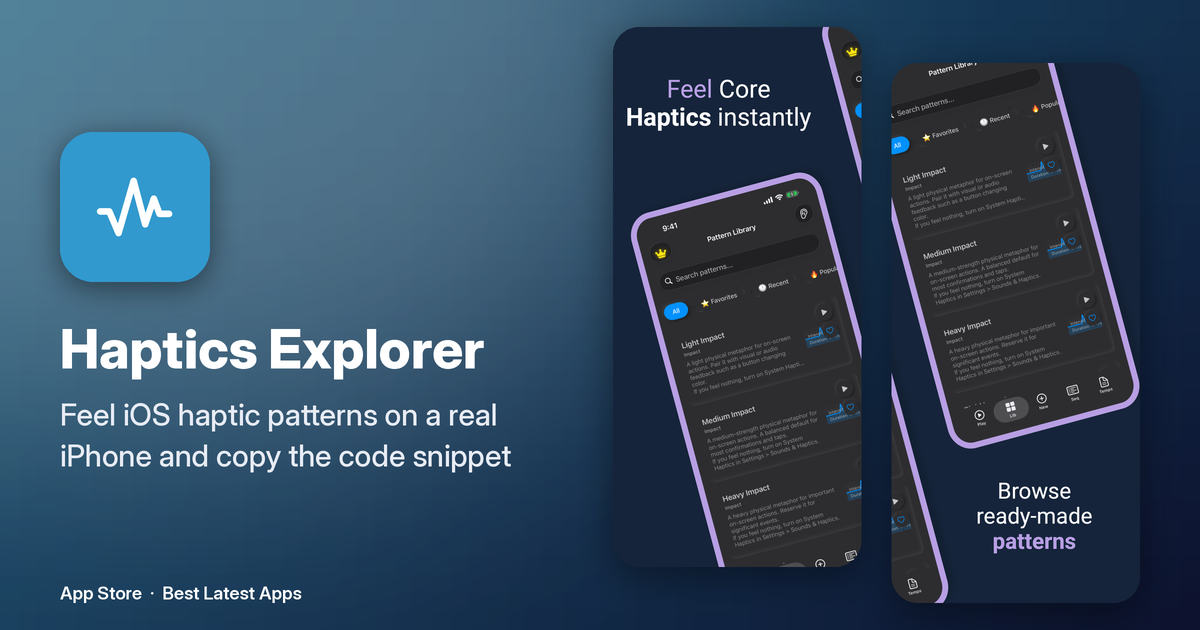
Haptics Explorer is for iOS developers who need to feel a haptic on a real iPhone before they ship it, because the Simulator does not vibrate. Eight groups are on the device: impact from light through rigid, notification success, error, and warning, selection ticks, rhythms such as a heartbeat, double tap, and tick-tock, gesture patterns for swipe, pinch, and long press, game hits such as an explosion or a power-up, accessibility patterns, and custom ones. You can play a pattern, loop it, change the speed, and adjust intensity and sharpness, then copy a code snippet in a form you can paste into an app. It is a try-on bench for UIKit haptics, not a game.
Who is Haptics Explorer for?
iOS developers and UX designers who need to feel haptics on a real iPhone; the Simulator cannot vibrate.
How does Haptics Explorer work?
Pick a pattern, play or loop it on your iPhone, tune intensity and sharpness, then copy the code snippet.