Productivity, Design
FeedsBar
A quiet, continuous news ticker for your Mac desktop that keeps you informed without interrupting your work.
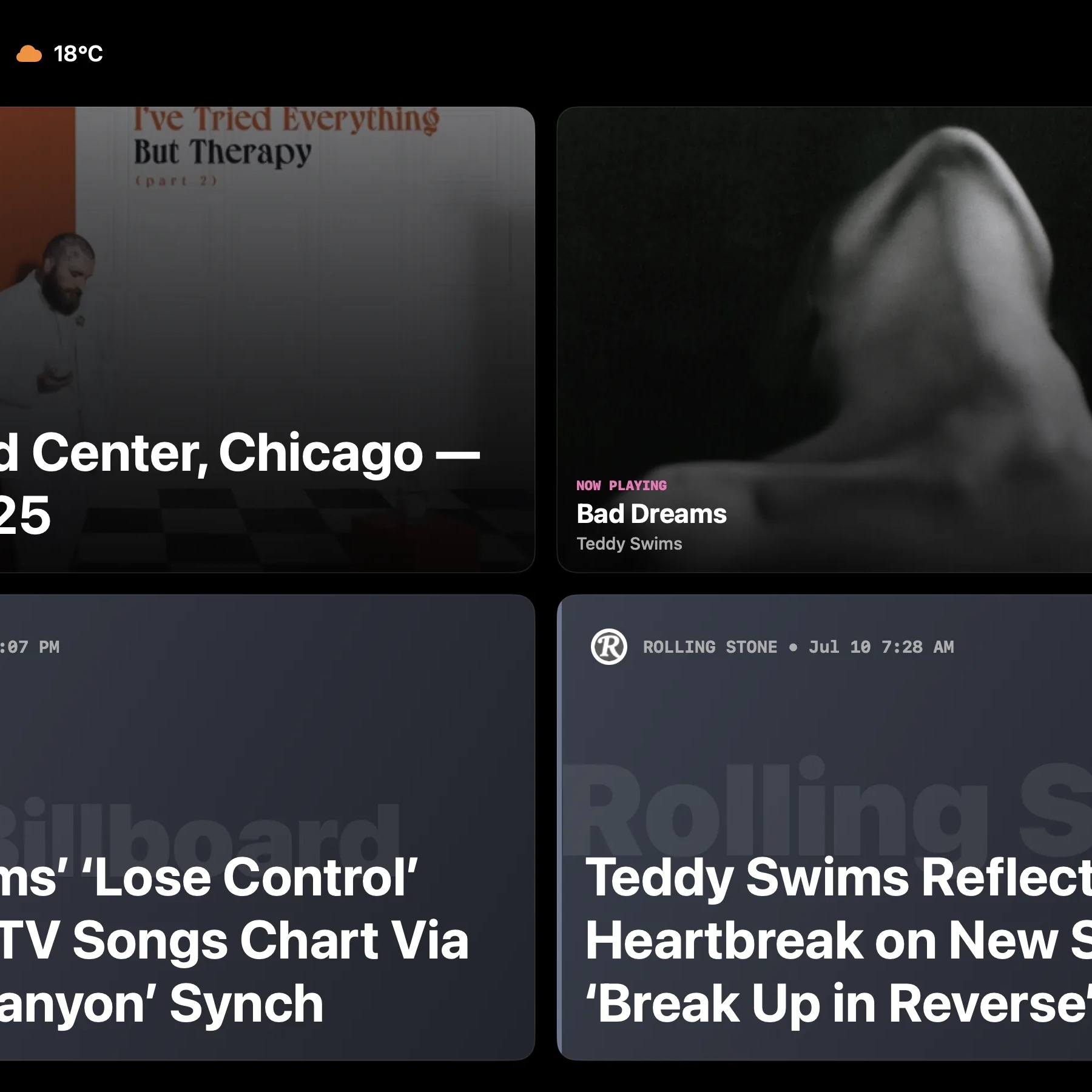
Watch FeedsBar demo
About FeedsBar
Streams high-signal headlines across your Mac desktop in a slim, always-on ticker. The app runs quietly and continuously above the Dock or below the menu bar, keeping you updated without breaking your focus. It groups articles by topic, extracts core trends, and can even tune itself to show updates about the music artist currently playing on your device.
Who is FeedsBar for?
Designed for developers, creators, and professionals who need to stay on top of world events, tech updates, or financial markets but find browser tabs distracting. Previously, they had to constantly interrupt their deep work by manual tab-switching, scroll through chaotic social feeds, or deal with noisy desktop notifications.
How does FeedsBar work?
First, choose your topics from curated feed bundles or paste your own custom RSS, YouTube, and Reddit sources. Next, position the ticker at the top or bottom of your desktop where it runs in the background. Finally, scan the headlines at a glance as they flow by, and click on any story to instantly open it in your browser.