Productivity, Education
Deck Converter
Paste a Quizlet set, download an Anki deck. Free, in your browser.
About Deck Converter
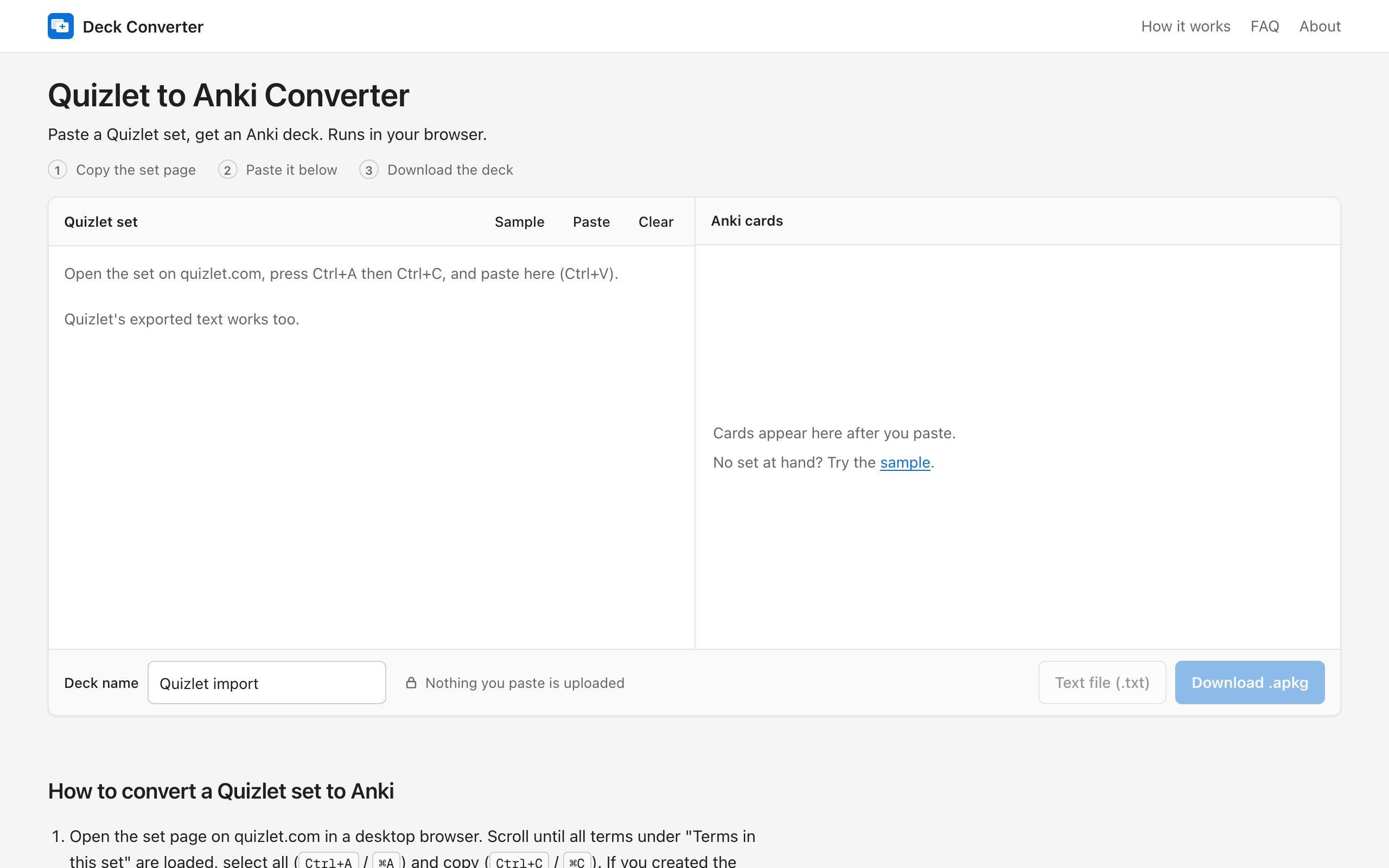
Deck Converter turns a Quizlet set into an Anki deck. You copy the set page, paste it into the tool, and it pulls the cards out of what you pasted. Every card shows up in a preview table, and the tool checks the card count against the total listed on the set, so a partial copy is easy to spot. You can download an .apkg file that Anki opens directly, or a text file for manual import. Everything runs in your browser: nothing is uploaded, there is no account, and it is free. Images are not converted, only text.
Who is Deck Converter for?
Students who have flashcards on Quizlet and want to study them in Anki. Before this, they installed an Anki add-on that fetches the set by its link, which often fails with a captcha error, or they relied on Quizlet's export, which only works for sets they created themselves. It also suits people on a tablet or a school computer who cannot install add-ons.
How does Deck Converter work?
1. Open the set on Quizlet, select the whole page (Ctrl+A) and copy it (Ctrl+C). 2. Paste it into Deck Converter and check the cards in the preview. 3. Download the .apkg file and open it in Anki.