Productivity, Mobile App, SaaS
Cursor Flow
Write at work without talking out loud to your laptop.
About Cursor Flow
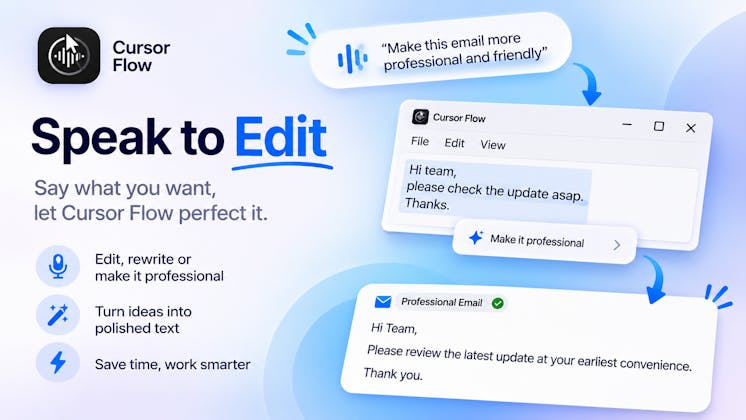
Cursor Flow routes voice dictation and typed text from an Android phone directly to the active PC cursor on Windows. It cleans up spoken audio by removing filler words and inserting punctuation automatically. In addition to dictation, it syncs clipboard contents, photos, and multi-page PDF scans between phone and computer in real time across any desktop application.
Who is Cursor Flow for?
Built for professionals, introverts, and desk workers who need to write long emails, code comments, and docs without speaking out loud in shared offices. Before using it, people had to dictate loudly to laptop microphones across a noisy room or manually send messages to themselves to move photos, links, and text from phone to computer.
How does Cursor Flow work?
Install the Windows app and pair your Android phone. Speak quietly into your phone, type on the Android keyboard, or capture a document scan. Watch the cleaned text, clipboard data, or scanned files appear instantly wherever the cursor is blinking on your PC.