Developer Tool, SaaS
CurlShot
Full-page screenshots, PDFs and videos from one HTTP request
About CurlShot
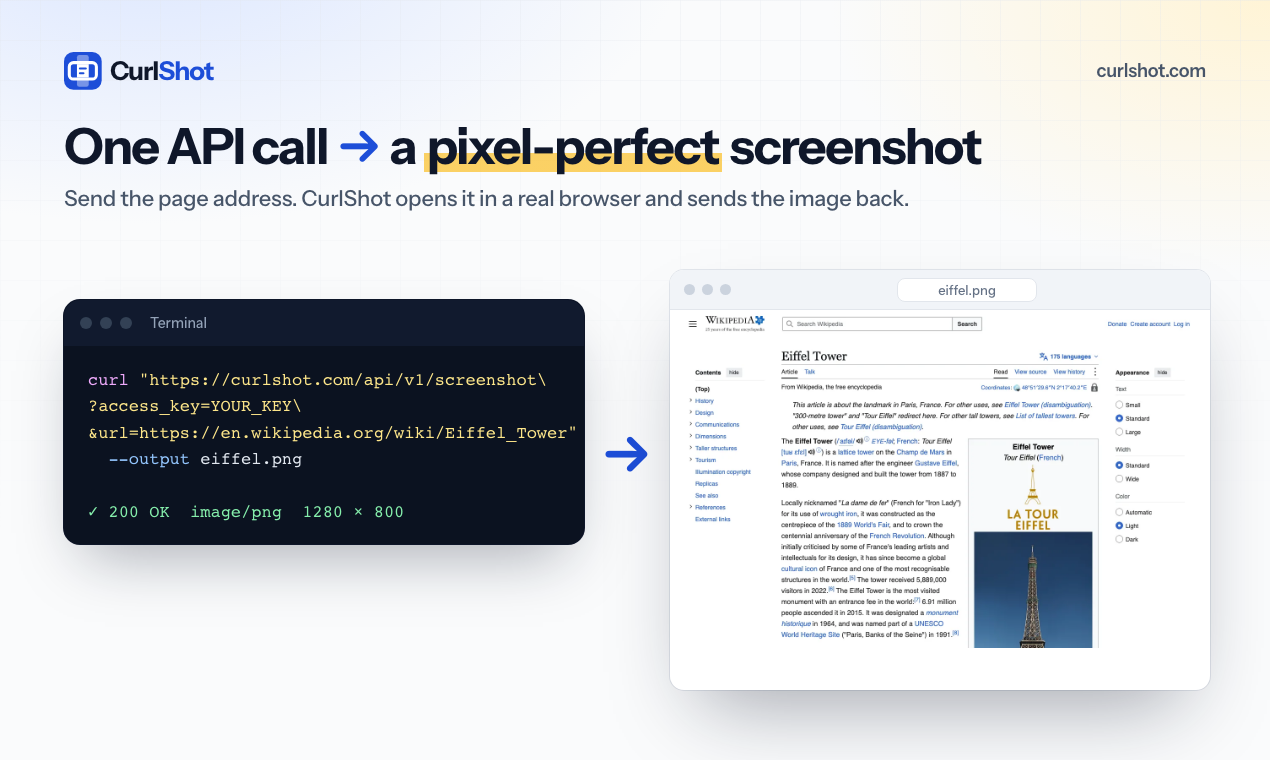
Send a page address, get a screenshot back. That is the whole idea of CurlShot. Behind that one request are 69 options: full-page capture, device emulation, dark mode, custom CSS and JavaScript, cookies and headers for pages behind a login, caching, signed links, async jobs with webhooks, and bulk runs of up to 100 URLs. AI agents connect through the built-in MCP server. One successful render is one screenshot, and failures do not count. Start with 100 free screenshots a month.
Who is CurlShot for?
Developers who need pictures of web pages inside their product: link previews, Open Graph images, PDF archives, visual checks. Before, they ran Puppeteer or Playwright themselves and maintained browsers, fonts, queues and timeouts. Also builders giving AI agents a way to look at web pages.
How does CurlShot work?
1. Create a free account and copy your access key. 2. Call https://curlshot.com/api/v1/screenshot?access_key=KEY&url=https://example.com from any language, or connect the MCP server. 3. Save the PNG, PDF or video that comes back.