Productivity, Finance
Convert PDF to Excel
Turn PDF tables and bank statements into Excel
Watch Convert PDF to Excel demo
About Convert PDF to Excel
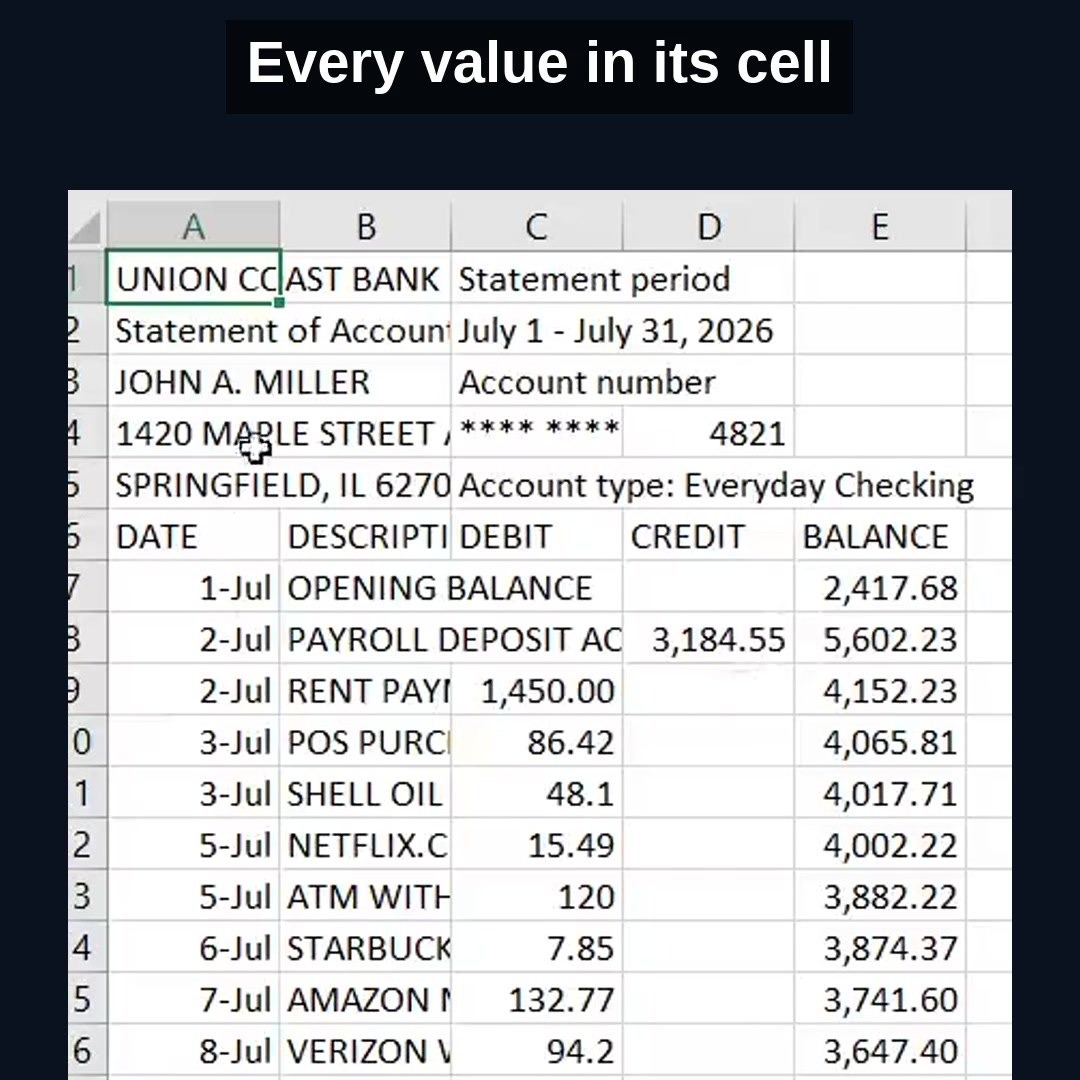
A Chrome extension that turns tables from PDF reports, invoices and bank statements into an editable Excel or CSV file. Open the side panel, drop a PDF, click Convert and download .xlsx or .csv. Amounts land in the sheet as real numbers, so you can sum, sort and filter right away. Text-based PDFs are converted inside your browser and never leave your computer. For scans and messy layouts there is an optional AI mode. It also converts Excel back to PDF. Free, no account.
Who is Convert PDF to Excel for?
Accountants, bookkeepers and small business owners who were retyping bank statements, supplier price lists and invoices from PDF into a spreadsheet by hand, or copy-pasting and then fixing broken columns. Also analysts and students who need the numbers from a PDF report in Excel.
How does Convert PDF to Excel work?
1. Click the extension icon to open the side panel and drop your PDF. 2. Click Convert to Excel. Multi-page files go into one sheet or one sheet per page. 3. Download .xlsx or .csv. If the PDF is a scan, try AI mode.